Description of Issue: This usually happens when a user tries to run a report but nothing pops up. It is usually accompanied by the crystal error message below.
Attachments:
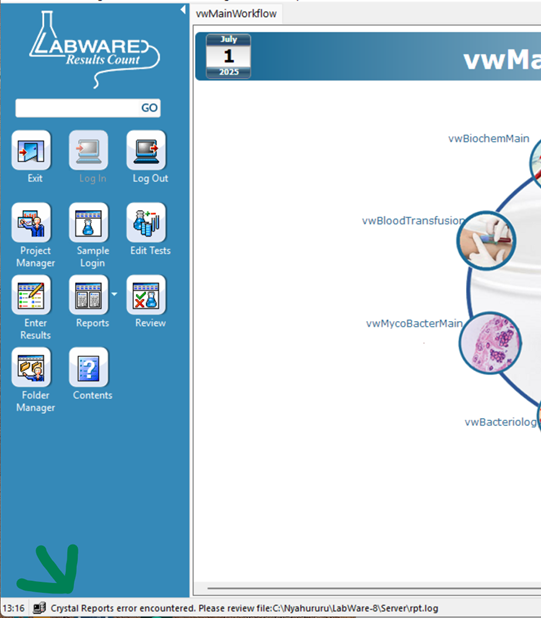
Root Cause: Incorrect path to the report folder.
Resolution / Workaround: Check the log file (rpt.log) for the specific report error. The file is usually located in the labware installation folder.
Once you have confirmed that the issues is access to the report folder, then have the ICT team specify the correct path.
Linked Tickets / Related Issues:
Preventive Action / Recommendations: The LIMS administrator to ensure that the workstations can always access the folders containing the system files.